We will send you an email to reset your password.



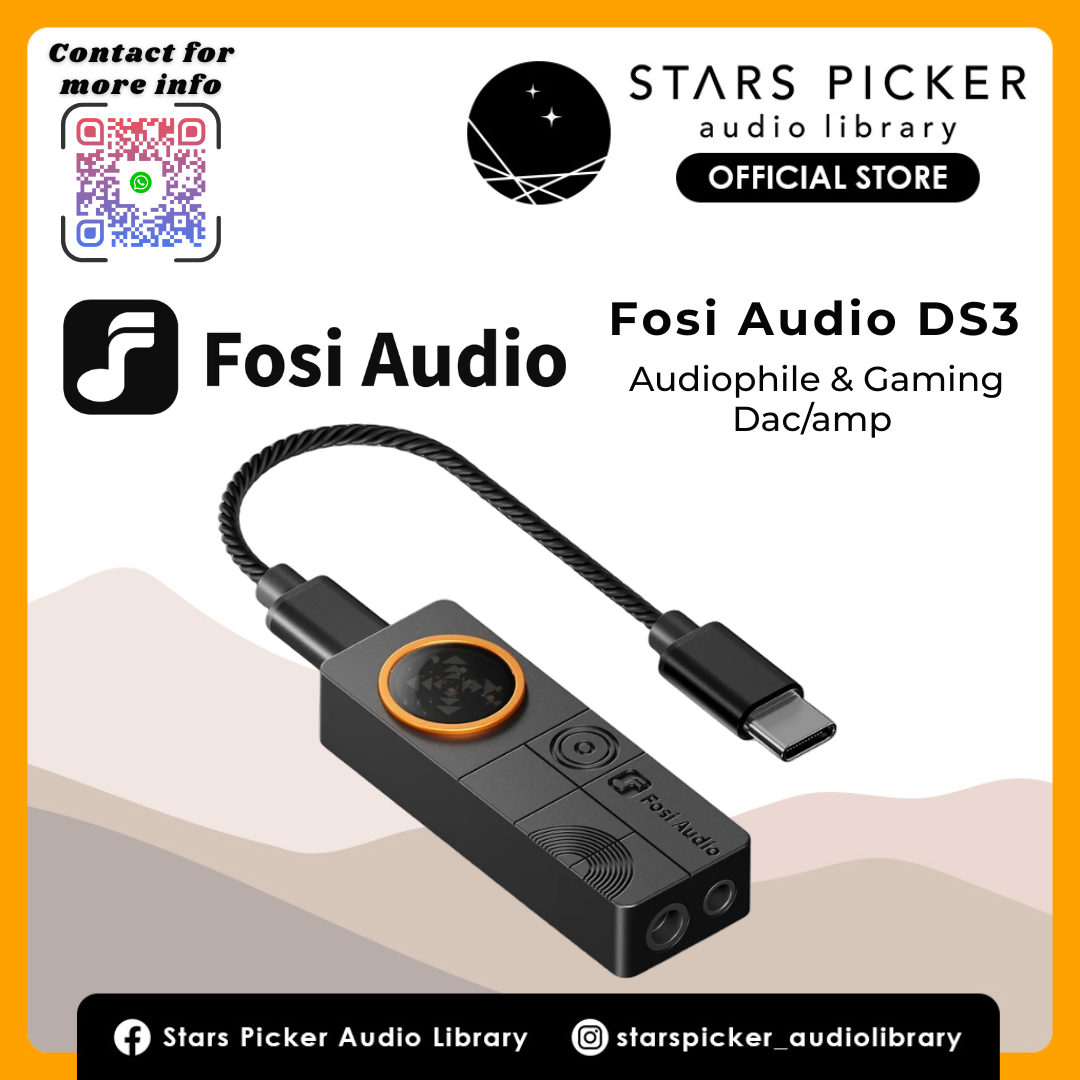
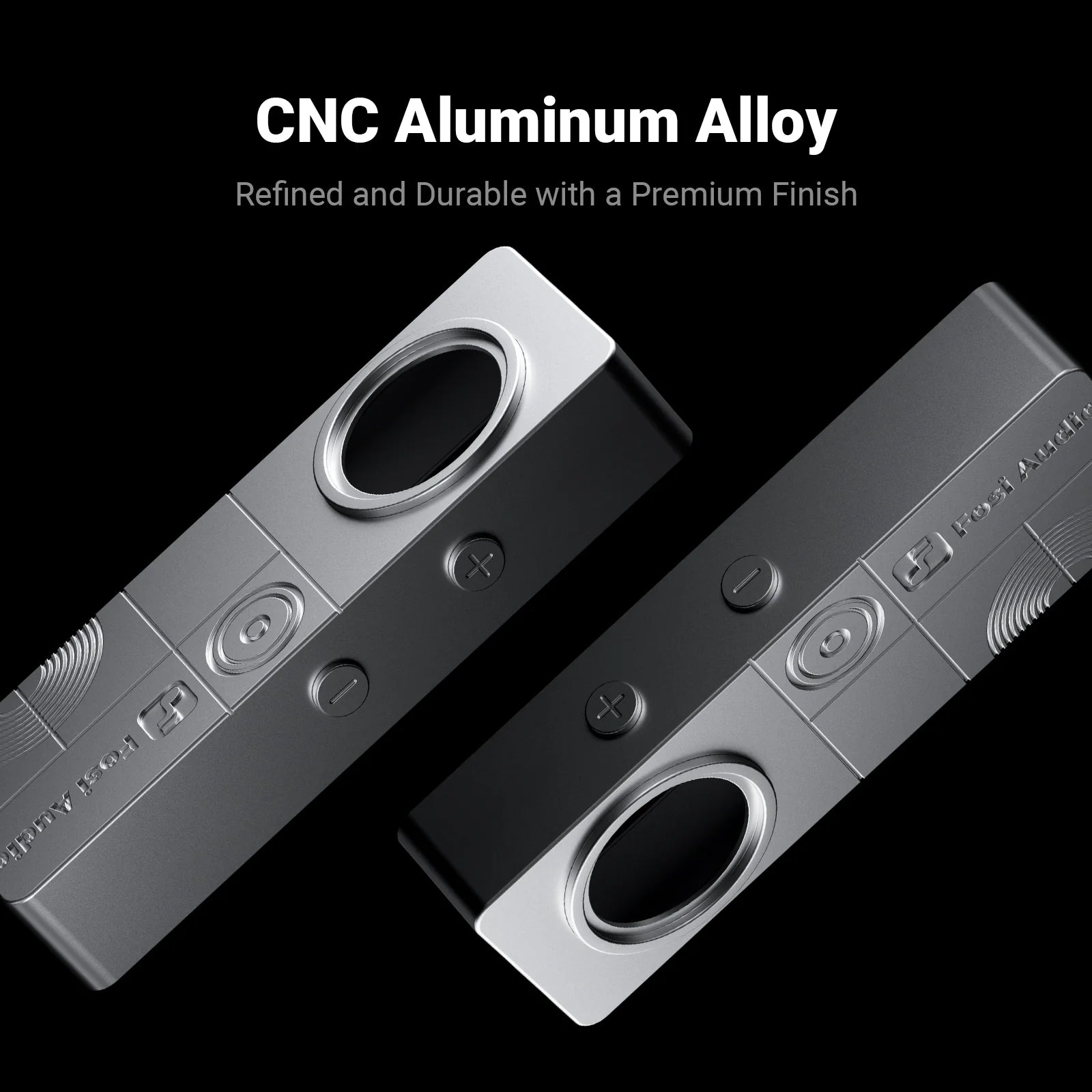
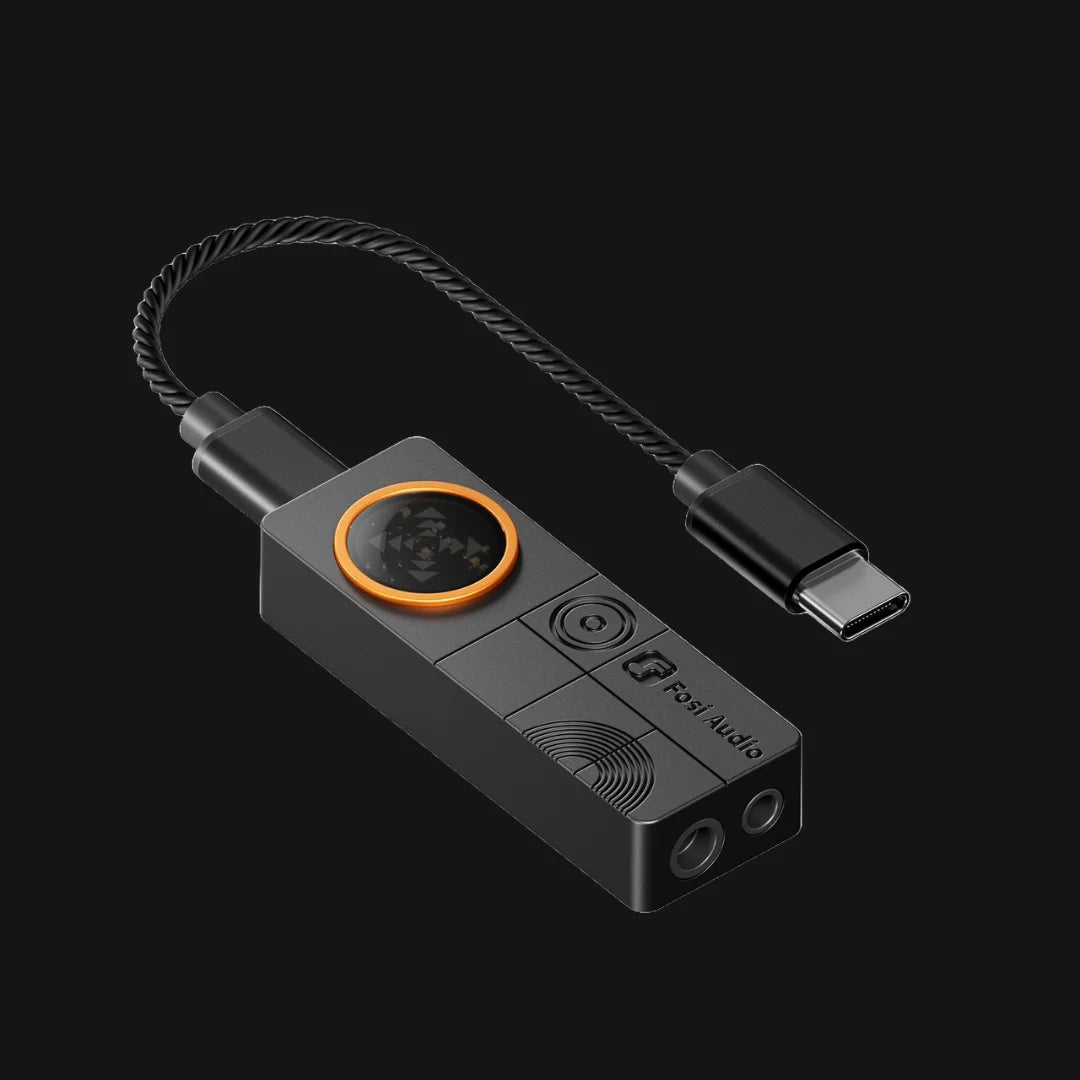
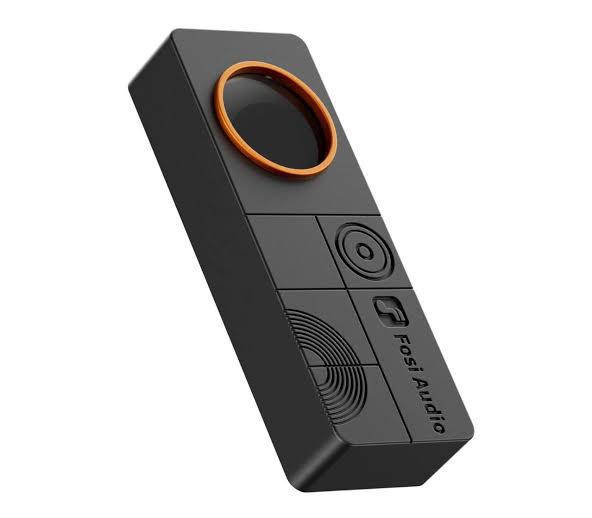
Upgrade your listening and gaming setup with the Fosi Audio DS3, a compact USB DAC and headphone amplifier designed to deliver high-resolution audio, powerful output, and immersive spatial sound in a pocket-sized form factor.
Powered by the ESS ES9039Q2M DAC and XMOS USB processing, the DS3 supports PCM audio up to 32-bit/768kHz and native DSD512 playback. With up to 220mW of output power at 32Ω, it provides ample power for a wide range of headphones and IEMs, supporting headphone impedances from 16Ω to 300Ω.
For gaming, the DS3 features Fosi Audio's hardware-level 7.1 spatial audio technology. Native multichannel 7.1 audio can be reconstructed into a spacious two-channel presentation, helping create a wider sense of positioning, distance, and direction without requiring additional PC software or drivers. Standard stereo sources can also be processed to create a more spacious listening experience.
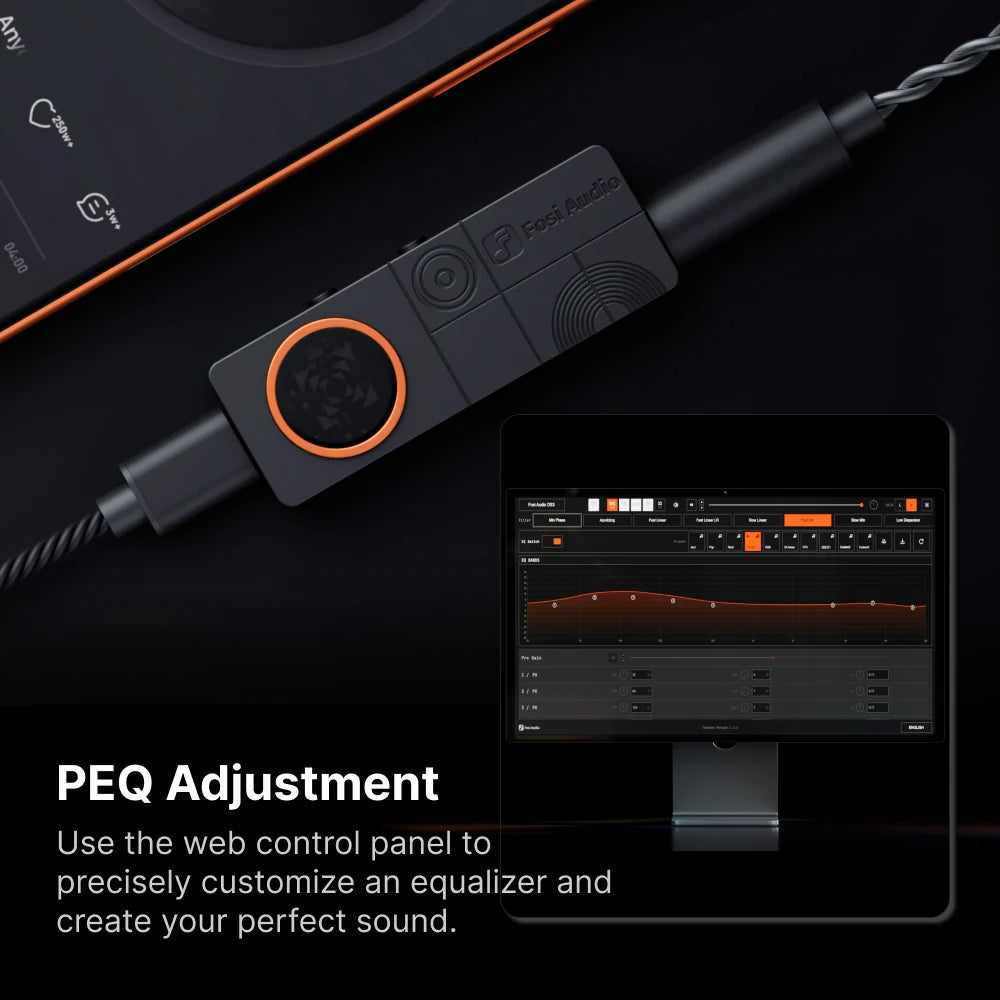
The DS3 is designed for plug-and-play convenience. Connect it to a compatible phone, tablet, computer, PlayStation 5, Nintendo Switch, or other USB-C device and use it as a dedicated high-quality audio interface. UAC 1.0 and UAC 2.0 modes provide compatibility with different devices and applications, while selectable digital filters allow you to fine-tune the DAC's response to your preferred listening style.
Despite its performance, the DS3 measures just 55 × 20 × 11mm and weighs approximately 16g, making it easy to carry between your desktop, gaming setup, and mobile devices.
Key Features:
ESS ES9039Q2M DAC with XMOS USB processing
PCM support up to 32-bit/768kHz
Native DSD512 support
Up to 220mW output power at 32Ω
Supports headphones from 16Ω to 300Ω
Hardware-level 7.1 spatial audio for compatible multichannel content
No PC drivers required for plug-and-play operation
UAC 1.0 and UAC 2.0 support
Selectable digital filters
Compact 55 × 20 × 11mm design
Lightweight 16g construction
USB-C connectivity
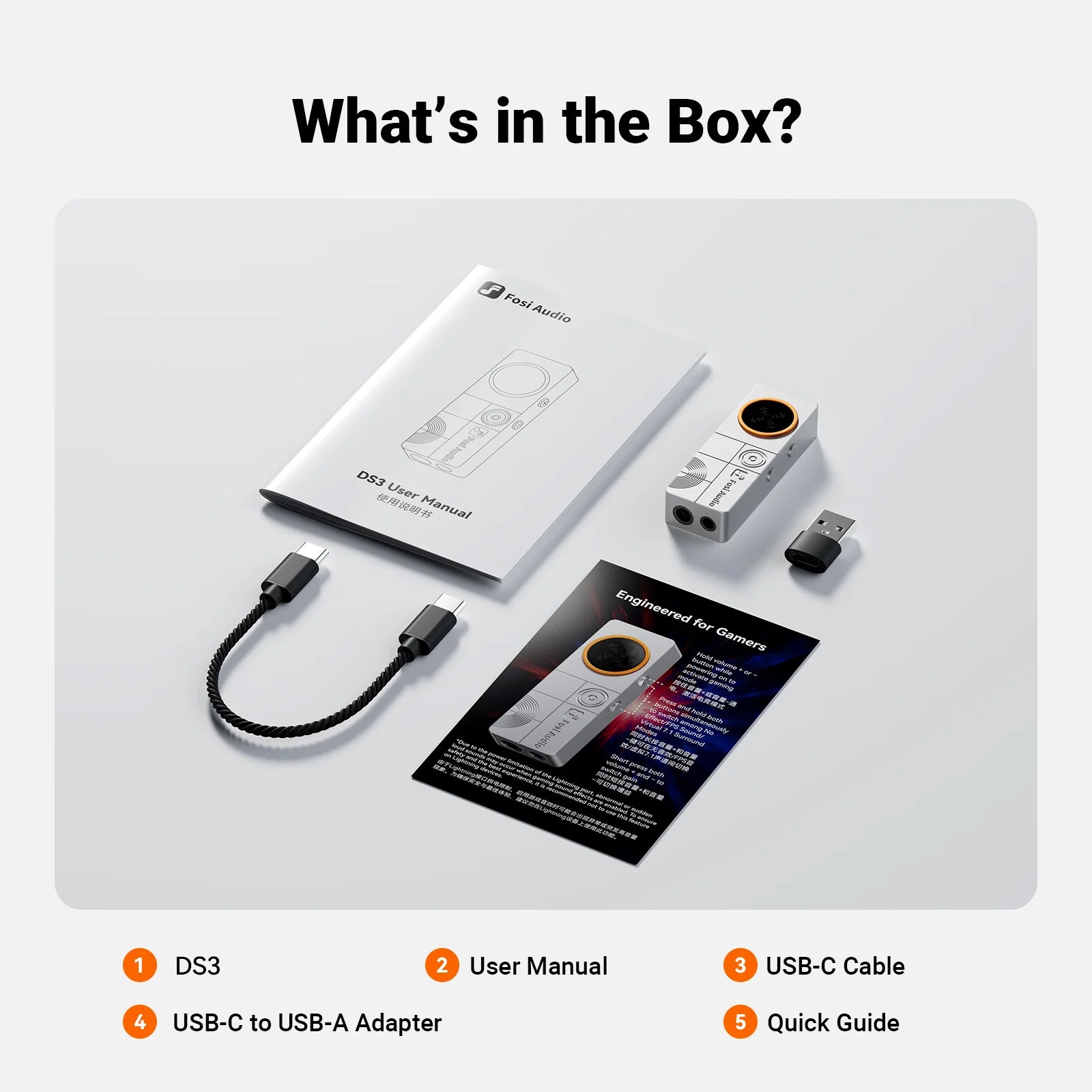
What's Included:
Fosi Audio DS3 DAC/headphone amplifier
USB-C cable
USB-C to USB-A adapter
Quick guide
User manual